A controlled background
Play video plates or designed environments behind talent, products or vehicles. A practical starting point for interviews, commercials and fixed-camera scenes, without assuming a tracked 3D workflow.
Plan an LED backdrop or a virtual production stage around your camera, your space and your creative workflow.
Canadian LED helps studios and production teams across Canada explore LED wall supply and installation. Share your production brief for a project-specific configuration, equipment scope and quote.
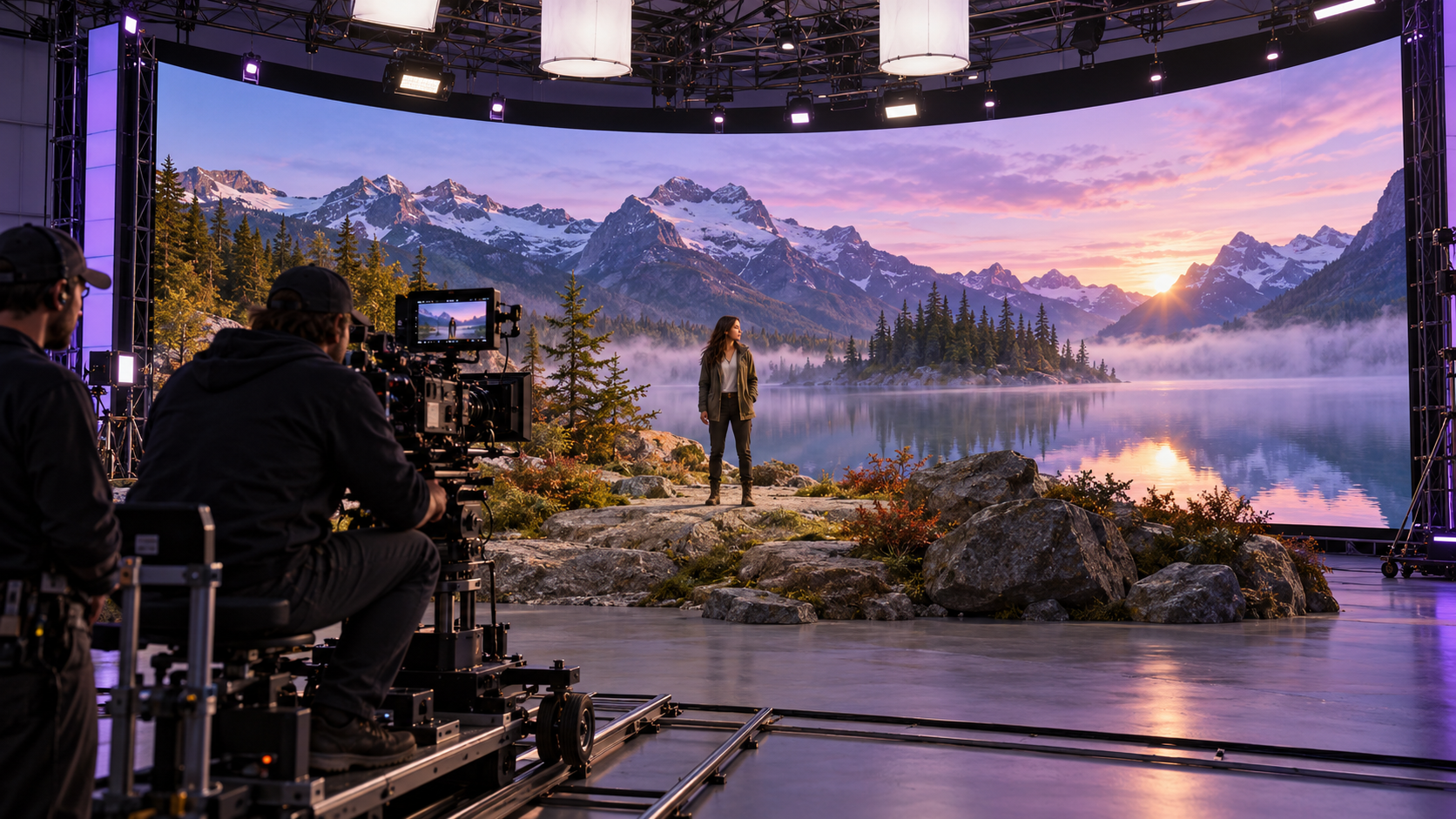
Play video plates or designed environments behind talent, products or vehicles. A practical starting point for interviews, commercials and fixed-camera scenes, without assuming a tracked 3D workflow.
For perspective-correct scenes, the tracked camera and real-time rendering system work with the LED volume. Panel selection is one part of a coordinated camera, processing and rendering pipeline.
Combine an LED background with your studio or XR workflow. Discuss camera positions, graphics, reflections and lighting before deciding whether a flat wall, curved layout or additional surfaces are needed.
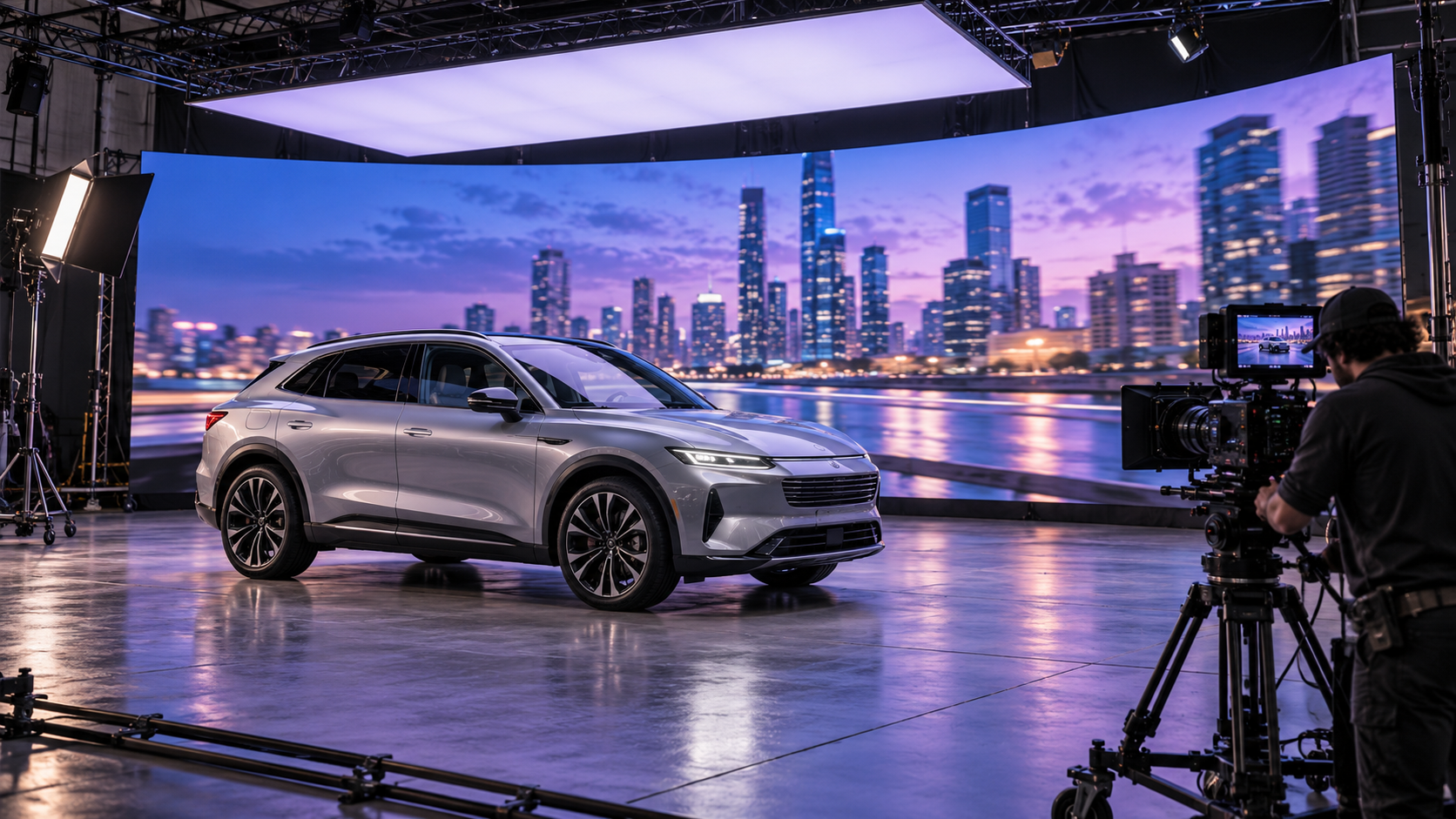
Bring us a new studio brief, an upgrade plan or a defined shoot requirement. We can discuss the display area, panel configuration, installation access and support needs with your production team.
The proposal should identify the LED panels, processing, mounting approach and installation scope. Tracking, rendering servers, content creation, lighting and specialist VP operation must be scoped separately unless explicitly included.
Assess the lens, focus, camera-to-wall distance and framing together. Pixel visibility and moiré depend on the shot; a single pitch recommendation cannot cover every production.
Review frame rate, shutter settings, refresh behaviour and genlock across the selected camera and display chain. A high refresh-rate specification alone does not guarantee an artefact-free result.
Evaluate calibration, skin tones, brightness at the working exposure and shadow detail through the actual camera. Coordinate the screen with the production’s colour pipeline.
Plan the camera field of view, wall geometry, service access, power, cooling and structural support. Ceiling and floor surfaces require their own engineering and equipment assessment.
Before committing: agree on a test using the intended camera, lenses, shutter settings and representative content. Confirm processor compatibility and acceptance criteria with your VP technical lead.
Tell us what you shoot, the stage dimensions, your camera package and whether you need playback or tracked ICVFX.
Discuss the wall layout, equipment options, integration responsibilities and a camera-test plan before final approval.
Set the installation scope, schedule, commissioning checks, training and written warranty terms in the project proposal.
No. On-camera performance depends on the panels, processor, camera settings and the complete signal chain. A wall that looks good to the eye still needs testing through your camera.
Simple video playback does not necessarily require tracking. Perspective-correct ICVFX typically uses camera tracking and a real-time engine, such as Unreal Engine. The choice depends on camera movement and the visual effect you want to achieve.
Start with your framing, lenses, working distance and stage plan. The wall needs to cover the intended camera views. We discuss the configuration against that brief rather than treating standard event-screen sizes as a studio specification.
Share your location, dates and camera requirements so we can check suitable equipment and availability. Event-screen rental stock is not automatically suitable for VP. Rental coverage and specialist integration requirements are confirmed for each request.
The two studio images on this page are labelled concept visualizations. You can explore our verified LED installation photographs in our project gallery; those installations are not presented as VP case studies.
Send your brief to start a conversation about the LED system, integration scope and budget.